
Highlight, underline & strikeout
When to use this
You’re reviewing a document and want to flag text without changing it.
- Select the highlight, underline, or strikeout tool from the annotation toolbar.
- Drag across the text you want to mark.
- Pick a color from the palette — highlight yellow and coral are the defaults.
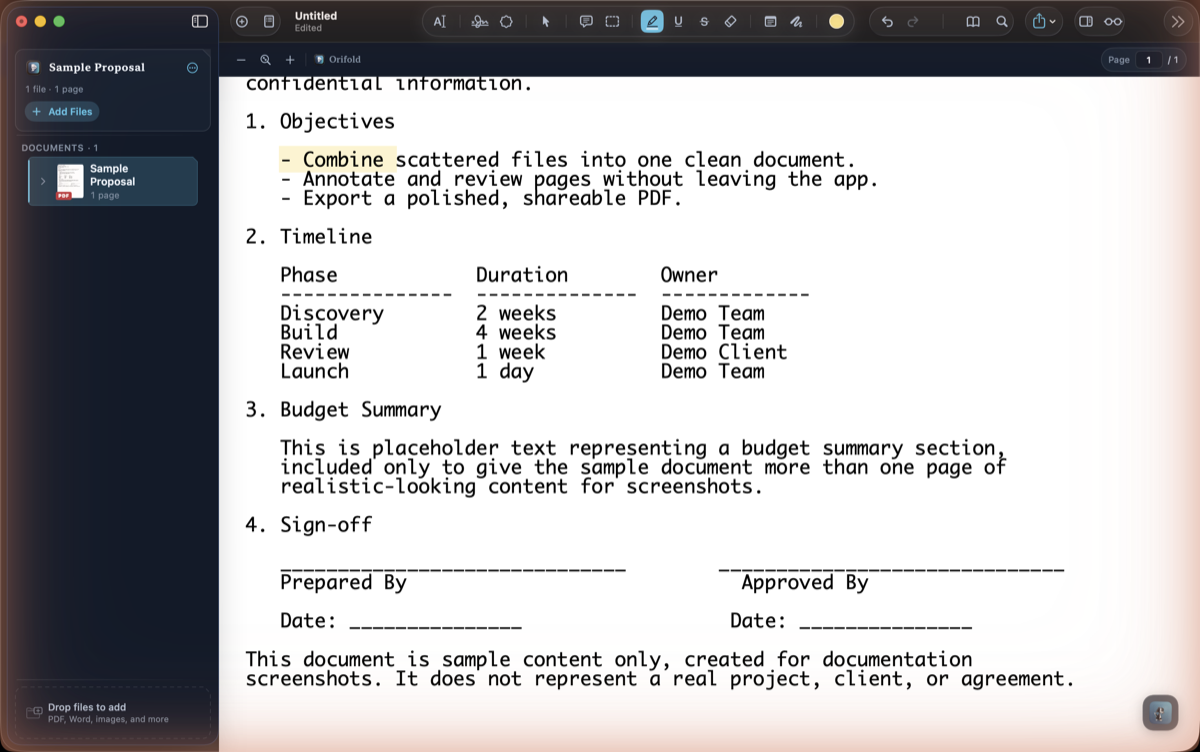
What you should see
Section titled “What you should see”The markup appears over the selected text immediately and is listed in the inspector’s annotation list.