
Recently viewed files
When to use this
You closed Orifold and want to get back to a file you were working on.
- Launch Orifold with no workspace open.
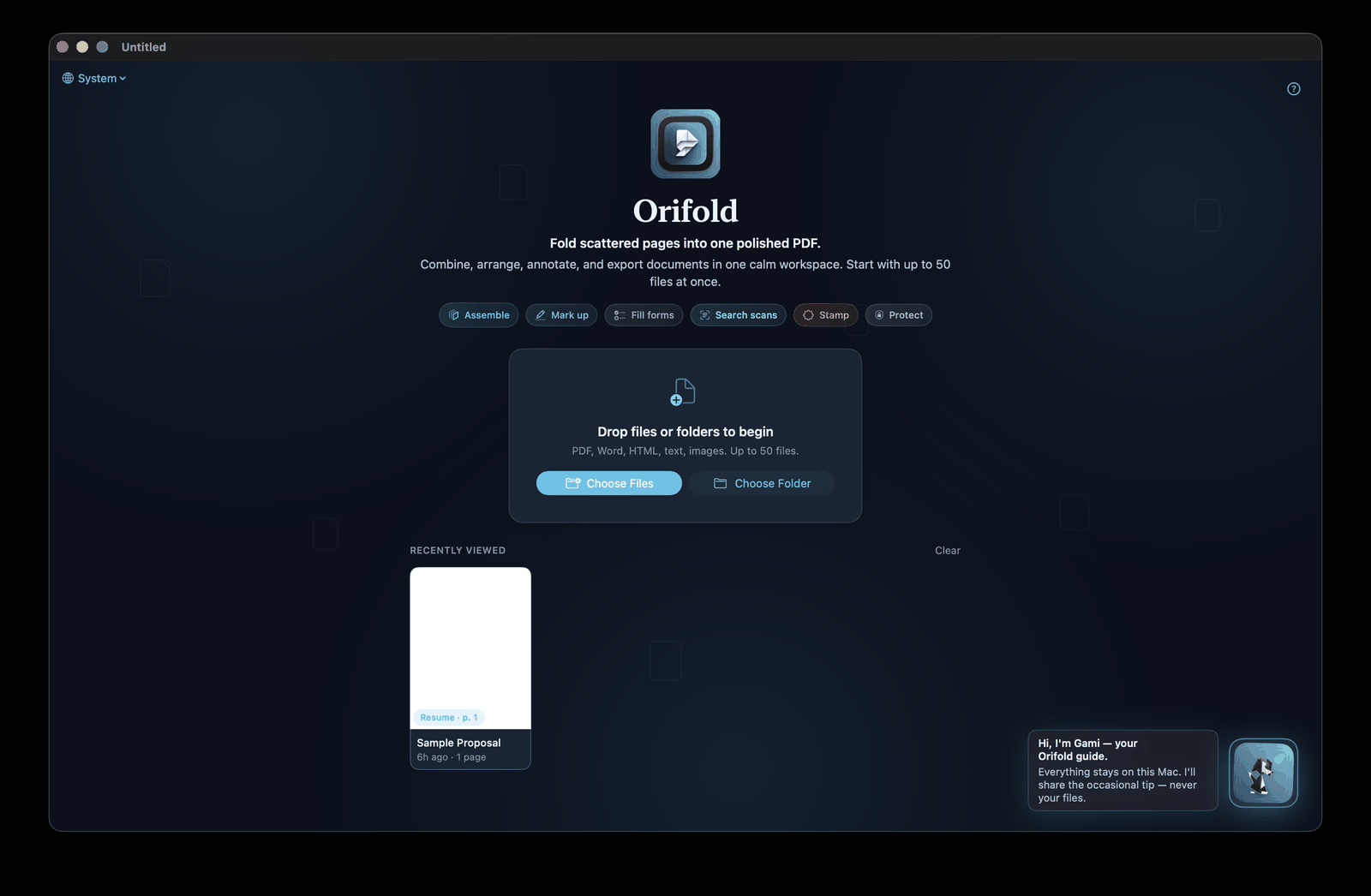
- The empty-state screen shows a Recently Viewed shelf with thumbnails of the last files you opened.
- Click a thumbnail to reopen that file where you left off.
Note
The shelf and its thumbnails are stored only on your Mac — nothing about your recent files leaves the machine.
What you should see
Section titled “What you should see”The file reopens in the same state you left it, including page order and any edits already made.